TL;DR: Viral Launch and SellerSprite both cover Amazon product research, keyword tracking, and competitor analysis, but they are engineered for different budgets and workflows. This breakdown compares their features, data reliability, user experience, and pricing for US sellers so you can choose the tool that actually matches your stage of growth.
Key Takeaways
- Different centers of gravity: Viral Launch leans toward guided workflows, launch services, and ad automation, while SellerSprite leans toward deep, filterable data for product, keyword, and market research.
- Product research: Viral Launch Product Discovery favors pre-scored opportunities for newer sellers; SellerSprite Product Database rewards sellers who want to build their own screening logic across more data points.
- Keyword tracking: Both track rank, but SellerSprite layers in keyword mining, reverse ASIN, and Amazon Brand Analytics (ABA) data, which matters if you research keywords in bulk or across multiple marketplaces.
- Pricing: SellerSprite is generally positioned as the lower-cost entry point for research work, while Viral Launch bundles in automation and done-for-you services that raise total cost. Confirm current numbers on each vendor page before buying.
- Accuracy is testable, not assumable: Run a control test on 5 to 10 ASINs you already know before committing to an annual plan with either tool.
- Best outcome: Most US sellers under roughly $50k per month in revenue should decide on research depth, keyword limits, and total cost per month, not brand recognition.
Table of Contents
Note on marketplaces: This guide is specifically optimized for the US market. That means Amazon.com is treated as the primary marketplace throughout, and any reference to multi-marketplace coverage is flagged so you can verify it before you build a workflow around it.
Viral Launch vs. SellerSprite: The Short Answer
Viral Launch and SellerSprite are both Amazon seller tools competing for the same monthly subscription budget, but they grew up solving different problems. Viral Launch built its reputation on product discovery and full-service launches, then expanded into an all-in-one suite that includes market intelligence, keyword management, listing tools, and Kinetic PPC for advertising automation. SellerSprite built its reputation on data: large, filterable Amazon databases covering products, keywords, traffic sources, and market structure, wrapped in a browser extension and an interface that rewards sellers who like to interrogate the numbers themselves.
In practical terms, Viral Launch tends to appeal to sellers who want the tool to suggest what to do next. SellerSprite tends to appeal to sellers who want the tool to show them everything and let them decide. That single distinction explains most of the differences that follow, including which seller stage each tool fits best and how each one prices its plans.
Both vendors ship updates frequently and revise their plan structures, so treat any capability or price detail in this article as a starting point rather than a permanent spec sheet. Confirm the current state on each vendor's official page before you buy. If you want to see how these two tools stack up against the wider market of Amazon software, our guide to the best Amazon seller tools covers the full category, and our dedicated SellerSprite vs. Viral Launch deep dive goes even further into scenario-based recommendations.
At a glance
| Dimension | Viral Launch | SellerSprite |
|---|---|---|
| Core strength | Launch support, ad automation, guided workflows | Deep research data: products, keywords, ABA, traffic, markets |
| Best fit | Sellers ramping up ad spend or outsourcing launches | Sellers who research heavily before buying inventory |
| Pricing shape | Tiered subscriptions plus premium done-for-you services | Tiered subscriptions, generally a lower entry point, with usage-based elements |
| Learning curve | Moderate, with more hand-holding and onboarding support | Moderate, self-serve, assumes you know which metrics matter |
| Marketplace focus | Primarily Amazon US, with some international support | Multi-marketplace research orientation (verify current coverage) |
Feature-by-Feature Breakdown
Feature counts are a terrible way to compare Amazon tools, because a checklist never tells you whether a feature is deep enough to change a decision. Instead, this breakdown groups capabilities by the job you are actually trying to do: find a product, find a keyword, watch competitors, write a listing, run ads, and get data fast while you are browsing Amazon. Under each heading, you will see where each tool is genuinely stronger and where the difference is mostly cosmetic.
1. Product research and product discovery
Viral Launch Product Discovery is built around opportunity scoring. You set broad criteria such as category, price band, review count, and demand level, and the tool surfaces niches with an internal score designed to separate realistic opportunities from hype. For a newer seller who cannot yet tell a good niche from a bad one, that opinionated layer shortens the learning curve considerably.
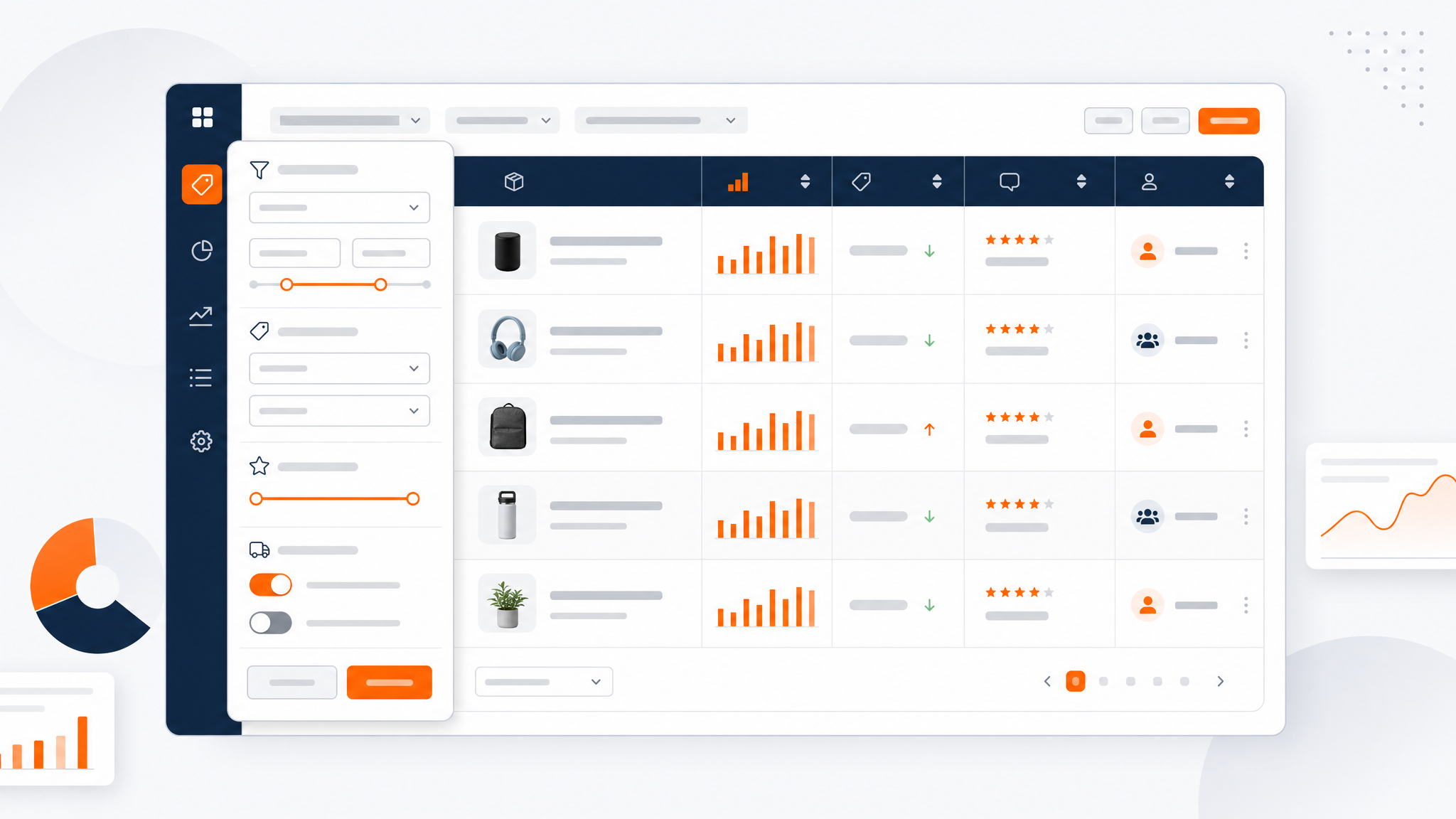
SellerSprite's Product Database takes the opposite approach. You get tens of filtering dimensions and a dense table of monthly revenue estimates, units sold, BSR history, review counts and velocity, seller type, buy-box behavior, and keyword-level context for each ASIN. Nothing is pre-scored for you, which is a weakness for beginners and a strength for sellers who already have a qualification checklist and want to apply it at scale. If your process includes screening hundreds of ASINs per week, the ability to export and re-sort raw data usually beats a curated shortlist.
2. Keyword research, reverse ASIN, and rank tracking
This is the closest category, and also the one where small differences compound fastest. Both tools let you discover keywords, see estimated search volume, and monitor rank over time. Viral Launch Keyword Manager integrates tightly with listing work and PPC campaigns, so the keyword list you build feeds directly into campaign structure and optimization tasks inside the same platform. That integration is genuinely useful for sellers who live inside ad accounts.
SellerSprite goes wider on the research side: keyword database filtering, keyword mining from a seed ASIN or phrase, reverse ASIN lookup, Amazon Brand Analytics search frequency rank data, and traffic analytics that show which keywords are actually bringing sessions to a listing versus which are merely indexed. If you are doing keyword work at volume, or if you sell in more than one Amazon marketplace, breadth of discovery usually matters more than in-app campaign shortcuts.
3. Market intelligence and competitor analysis
Viral Launch Market Intelligence shines when you want to monitor a defined set of competitors and keywords over time inside a single dashboard, with alerts and change tracking that feed the rest of the suite. It answers the question, what is happening to the products I already care about?
SellerSprite answers a broader question: what does this entire category look like? Its market analysis views break down a category or node by brand concentration, seller distribution, price bands, new entrants, and review moats, while traffic analytics and review analysis show where an individual competitor's sessions come from and which complaints keep appearing in their reviews. For category entry decisions, that structural view tends to be more useful than a competitor watchlist.
4. Listing optimization and AI assistance
Both platforms now include AI-assisted writing features, and both should be treated as drafting accelerators rather than replacement copywriters. The meaningful distinction is what data the AI can see. A listing tool that can pull the keyword list, the competitor's indexed terms, and your own traffic data into the draft produces more relevant suggestions than one writing in a vacuum. SellerSprite's research depth gives its AI features a rich keyword context to work from; Viral Launch's advantage is that writing happens inside a workflow that already includes your campaign and keyword data, reducing copy-paste between tools.
5. Advertising automation and launch support
This is Viral Launch's clearest differentiator. Kinetic PPC automates bid and campaign management, and the company also offers done-for-you launch services, which means you can pay to have experienced operators run parts of your ramp-up. No research tool replaces that. If your bottleneck is advertising efficiency or you want external execution capacity during a launch, Viral Launch is operating in a category SellerSprite does not directly compete in.
SellerSprite's role here is upstream: better keyword and competitor data produces better campaign inputs, but you still run the ads in Seller Central or your preferred automation platform. Sellers who already have a PPC agency or an in-house ads manager often prefer that division of labor, because they are not paying twice for ad management.
6. Browser extension and daily workflow
Both tools offer Chrome extensions that overlay data on Amazon pages, and for many sellers the extension is where 80 percent of daily value is realized. Evaluate them on three things: how quickly data appears on a product page, which metrics appear without extra clicks, and whether you can push an ASIN or keyword into your research lists instantly. A slow or cluttered extension is a real productivity tax when you are scanning dozens of listings in a session.
Side-by-side capability map
| Capability | Viral Launch | SellerSprite |
|---|---|---|
| Product database depth | Curated discovery with opportunity scores | Wide filterable database, raw data export |
| Keyword discovery | Solid, tied to campaign workflows | Broad: database, mining, reverse ASIN, ABA |
| Rank tracking | Included with alerts and monitoring views | Included with keyword and traffic context |
| Market and niche analysis | Competitor-centric monitoring | Category structure, brands, price bands |
| PPC automation | Yes, Kinetic PPC | Not the focus; data feeds other platforms |
| Done-for-you services | Launch services available | Software-led, no launch agency layer |
| Traffic and review analytics | Present in intelligence modules | Session source and review-issue breakdowns |
| Extension usability | Overlay metrics on listing pages | Overlay metrics with quick-save workflows |
One caveat applies to this entire table: vendors add, rename, and occasionally retire features every quarter. Before you commit budget, log in to a trial and verify the specific capability you cannot live without, rather than trusting any comparison article, including this one.
Data Accuracy: How Much Can You Trust the Numbers?
Every third-party Amazon tool, without exception, estimates. Amazon does not publish a public API that hands out competitor unit sales, so vendors build models from a mix of public signals, their own crawling, and aggregated seller data. That means the honest question is not which tool is accurate, but which tool is accurate enough for the decision you are about to make, and how quickly you can verify it.
The practical differences you can evaluate without inside knowledge come down to three variables. First, refresh cadence: how often does the underlying data update, and is rank tracking daily or less frequent? Second, source transparency: does the tool show you where a number comes from, or does it present a single opaque figure? SellerSprite's inclusion of Amazon Brand Analytics data is valuable here because ABA search frequency rank comes directly from Amazon rather than from a model, which gives you at least one ground-truth layer to calibrate against. Third, historical depth: a tool that stores 12 or 24 months of BSR history lets you sanity-check seasonality, while a tool that only shows current snapshots forces you to guess.
The fastest way to settle accuracy questions is a control test. Take five to ten ASINs from your own catalog, or from a brand whose Seller Central you can access, and compare the tool's estimated monthly revenue and unit sales against your real numbers. If estimates land within a reasonable band, the tool is usable for screening. If they are wildly off, no feature list will save it. Do this before you buy an annual plan, not after.
A second accuracy consideration is coverage: do the estimates hold up in the categories and price bands where you actually sell? Tools that perform well in mainstream consumer categories sometimes struggle in industrial, handmade, or low-volume niches where sales are sparse and models have less signal to work with. Test in your own category, not in the example screenshots on a vendor's homepage.
User Experience and Learning Curve
User experience in seller tools is not about aesthetics. It is about how many clicks stand between a question and an answer, because research speed directly determines how many products you can evaluate per week. A tool that takes 40 seconds longer per ASIN, multiplied across 200 ASINs, is a full workday lost every month.
Viral Launch is the more guided experience. Onboarding materials, walkthroughs, and support resources are oriented toward sellers who are still learning the craft, and the interface generally nudges you toward recommended actions. That structure pays off for solo sellers who wear every hat. The trade-off is that heavily guided interfaces can feel rigid once you have your own established process and want to move faster than the guided path allows.
SellerSprite is the more self-serve experience. It assumes you know what a conversion rate, a buy-box percentage, and a search frequency rank are, and it gives you dense tables, saved filter sets, and side-by-side comparisons without much hand-holding. Teams that run structured weekly research sprints usually adapt quickly and then resist going back to anything less flexible. Newer sellers may need a week or two to learn which columns matter, which is a real cost worth factoring in.
Two UX details deserve specific attention during a trial. First, collaboration: if more than one person touches research, check whether saved views, notes, and access permissions are shared or siloed, because operations managers and agencies need shared context. Second, export workflow: confirm how quickly you can pull a filtered dataset into a spreadsheet for further analysis, and whether export volume is capped by your plan. Both tools can export, but the limits and formats differ meaningfully between tiers.
Pricing Comparison for US Amazon Sellers
Pricing is the section where comparison articles age fastest, so the goal here is to teach you the shape of each model rather than to quote a number that may change next quarter. Always pull current figures from each vendor's official pricing page before you commit, and remember that annual billing almost always changes the effective monthly cost.
Viral Launch generally structures its offering as tiered subscriptions, with higher tiers unlocking more data volume, more tracked keywords, and access to automation features such as Kinetic PPC. Done-for-you launch services sit outside those subscriptions and are quoted separately, which means total spend can scale well beyond the software line item. If you buy Viral Launch primarily for launches and ad automation, evaluate it against the cost of an agency retainer, because that is the alternative you are effectively replacing.
SellerSprite generally positions itself at a lower entry price for research-focused work, with plan tiers that scale by usage elements such as data volume, tracked keywords, and feature access. For sellers whose primary need is research rather than services, that structure usually produces a lower monthly bill at equivalent research depth. The trade-off is that you are buying software only, so anything requiring human execution stays in-house or with your existing partners.
The cost comparison most sellers get wrong
Headline plan price is a weak comparison metric. A more useful calculation has three parts. First, cost per tracked keyword per month: divide the plan price by the number of keyword positions included, because keyword tracking is the feature you will use every single day. Second, cost per research hour saved: estimate how many hours per week the tool removes from manual spreadsheet work, assign a reasonable hourly value to your time, and compare that against the subscription. Third, cost of a bad product decision: if a tool helps you avoid one $8,000 inventory mistake in a year, the subscription is already justified regardless of tier.
It is also worth modeling the hidden line items. Ask each vendor directly about seat limits, export caps, API access, overage charges if you exceed a data quota, and whether the features you evaluated in the trial are available on the tier you can afford. Trials frequently default to a higher tier than the plan you intend to purchase, which produces an unpleasant surprise on day 31. This is a verification step, not a judgment about either vendor: both change their plan structures over time, and only their current documentation is authoritative.
Which Tool Fits Your Seller Stage?
The right answer depends less on which tool is better in the abstract and more on where you are in the seller lifecycle. Here is how the decision usually breaks down across the four groups most likely to be reading this comparison.
New sellers: Viral Launch, unless you are data-comfortable
If you are pre-launch or under roughly $10k per month in revenue, your biggest risk is picking a bad product. Guided discovery and access to launch support reduce that risk, which is why Viral Launch's structure suits beginners. The exception is a new seller with a research or analytics background, who will likely find SellerSprite's data depth more useful and considerably cheaper for the same job.
Growing sellers: SellerSprite, if research drives your growth
Between roughly $10k and $50k per month, the constraint shifts from finding any product to continuously finding the next one while defending existing listings. That requires repeatable research: keyword mining, competitor traffic analysis, category structure reviews, and rank monitoring at volume. SellerSprite's depth and price point usually win this stage, especially for sellers expanding a catalog rather than perfecting a single hero product.
Operations and marketing managers: workflow fit decides
If you manage a team, evaluate collaboration features and reporting before feature depth. Managers typically need shared keyword lists, consistent research templates, exportable reports for stakeholders, and a clear answer to what changed this week. Both tools can serve this, but the deciding factor is usually whether your team's existing process lives in spreadsheets or in a platform. Teams that live in spreadsheets tend to prefer the tool that exports cleanly; teams that live in a single platform tend to value tight integration between research and campaign work.
Brands and large sellers: consider both, or neither
Once you are managing multiple brands, international marketplaces, or a catalog north of a few hundred ASINs, single-tool debates matter less than data coverage and integration. Large sellers often run a data-first platform for research across all marketplaces alongside a dedicated advertising platform. Viral Launch's automation and SellerSprite's research depth are complementary rather than mutually exclusive, and the overlap you pay for twice is usually small relative to the cost of a bad category decision.
If you want a wider lens on how these tools compare against other platforms in the category before deciding, the best Amazon seller tools guide covers the alternatives in detail.
How to Run a 7-Day Side-by-Side Test
Trials are usually wasted because sellers click around for 20 minutes and make a gut call. A structured week produces a decision you can defend to a business partner. Here is a sequence you can run with both tools open in parallel tabs.
- Day 1 - Build a control set. Choose five to ten ASINs where you know the real revenue, unit velocity, and conversion rate. Every accuracy claim gets tested against this set, not against vendor marketing pages.
- Day 2 - Product research sprint. Apply the same brief in both tools: a price band, a category, a review ceiling, and a minimum demand threshold. Time how long it takes to produce a shortlist of ten qualified ASINs in each, and count how many are genuinely viable.
- Day 3 - Keyword discovery test. Take one of your own ASINs and run reverse ASIN and seed-keyword mining in both tools. Compare the keyword lists for overlap and for useful terms that only one tool surfaced.
- Day 4 - Rank tracking check. Add the same 20 keywords to both trackers. Verify the reported positions against a manual incognito search on Amazon.com and note any lag or discrepancy.
- Day 5 - Daily workflow test. Install both browser extensions and browse 20 Amazon listings as you normally would. Score each extension on speed and clarity of the overlay data.
- Day 6 - Cost modeling. Build the three-part calculation from the pricing section: cost per tracked keyword, cost per research hour saved, and the tier limits you would actually be buying.
- Day 7 - Score and decide. Weight the categories by how often you actually do that work. A seller who researches weekly but checks ads daily should weight workflow and research depth far above PPC automation, and vice versa.
Run this test honestly and you will usually find that one tool clearly matches your process within the first three days. The remaining days simply confirm it, and they give you documented evidence if you need to justify the spend to someone else.
FAQ
How does Viral Launch compare to SellerSprite for Amazon product research?
Both tools help you filter products by demand and competition, but the philosophy differs. Viral Launch Product Discovery leans on curated opportunity scoring and guided niche recommendations, which is faster for newer sellers who do not yet have their own qualification checklist. SellerSprite Product Database gives you a wider, filterable dataset with revenue estimates, BSR and unit history, review velocity, seller type, and buy-box behavior, so experienced sellers can apply custom screening rules at scale. Choose Viral Launch if you want the tool to narrow the field for you; choose SellerSprite if you want to run your own filters across more dimensions and export the raw data. Because both vendors update their filters frequently, confirm the specific criteria you need during a trial rather than relying on any static comparison.
Which tool has better keyword tracking, Viral Launch or SellerSprite?
Both offer rank tracking, so the real difference is in the research layer around it. SellerSprite goes deeper on discovery, with a keyword database, keyword mining, reverse ASIN lookup, Amazon Brand Analytics search frequency rank, and traffic analytics that distinguish keywords driving sessions from keywords that are merely indexed. Viral Launch Keyword Manager is tightly integrated with listing optimization and PPC campaign workflows, so keyword data flows directly into ad decisions without leaving the platform. Decide based on three questions: how many keywords you need to track, whether you need ABA-level data, and whether you research across more than one Amazon marketplace. Sellers doing keyword work in bulk usually prefer SellerSprite's breadth; sellers who want keyword data wired into campaign management usually prefer Viral Launch.
Is Viral Launch or SellerSprite more affordable for US Amazon sellers?
In general, SellerSprite is positioned as the lower-cost entry point for research-focused workflows, while Viral Launch carries a higher total cost because it bundles automation and offers premium done-for-you launch services priced separately. That said, comparing headline plan prices is misleading. Factor in tracked keyword limits, data and export caps, number of seats, any usage-based charges, and whether the features you tested are available on the tier you can afford. A practical method is to calculate cost per tracked keyword per month and cost per research hour saved, then compare that against the value of avoiding one bad inventory purchase. Confirm current figures on both vendors' official pricing pages before you commit, since both revise plans regularly.
Can I use Viral Launch and SellerSprite at the same time?
Yes, and plenty of established sellers do, using SellerSprite for deep research and market structure analysis while relying on Viral Launch for launch execution and PPC automation. The only real risk is paying twice for capabilities that overlap, particularly keyword tracking and product research. A common approach is a hybrid budget cycle: keep the research-heavy plan during product selection and category expansion months, then shift spend toward advertising and launch tooling during ramp-up months. Review the overlap once a quarter and cut whichever subscription is not earning its place in that quarter's workflow.
Does SellerSprite support Amazon marketplaces outside the US?
SellerSprite is built with multi-marketplace research in mind and supports research across major Amazon marketplaces, though exact coverage expands over time. If your catalog spans the US, Europe, and Japan, verify current marketplace support before purchasing, and check how keyword data is localized for each marketplace, since search behavior and language differ significantly. Viral Launch is primarily oriented around Amazon US with some international support. For a US-first seller, this rarely changes the decision; for a brand selling in three or more marketplaces, it can be the deciding factor.
Next Steps
- Build your control ASIN list today, using products whose real revenue and velocity you already know.
- Start a SellerSprite trial and run the Day 2 to Day 5 tests from the 7-day plan above against that control list.
- Calculate cost per tracked keyword and cost per research hour saved before you choose an annual plan.
- Create your free SellerSprite account and set up your first product and keyword research project: start your SellerSprite account.
References
- SellerSprite official site - product research, keyword, and market analysis features. View
- Viral Launch official site - product discovery, Kinetic PPC, and launch services documentation. View
- Amazon Seller Central - official seller resources and Amazon Brand Analytics information. View
- SellerSprite blog - SellerSprite vs. Viral Launch 2026 scenario comparison. View
- SellerSprite blog - Best Amazon seller tools category guide. View
Editorial note: pricing, plan tiers, and feature availability referenced in this article change frequently and should be confirmed on each vendor's official documentation before purchase. No third-party Amazon tool provides exact competitor sales data; all estimates should be validated against your own account data where possible.
By SellerSprite Content Expert
Amazon seller tools and marketplace SEO specialist.
Editorial process: AI-assisted draft prepared for human fact-checking, source verification, and brand review before publication.